

Dyson hair dryer not turning on can be worrisome as you could suspect that there is physical damage to its components.
In most cases, however, this issue can be cleared without advanced or complicated troubleshooting or tools.
To fix your Dyson hair dryer not turning on, start by verifying its power delivery and outlet are in working order. Next, reset your Dyson and clean its air filter compartment.
Let’s first see and try to understand the underlying causes of Dyson hair dryers not powering on.
Why Is My Dyson Hair Dryer Not Turning On?

You might experience that your Dyson shuts off rapidly or doesn’t turn on at all – sometimes with blinking LEDs.
There are two possible causes for this – the first one is an issue with the voltage or power delivery, and the second – is with your Dyson configuration itself.
Here are the top most frequent causes of Dyson hair dryers not turning on:
At this point, you should have a clearer understanding of what caused your Dyson device to malfunction and not power on, so let’s jump into the troubleshooting segment.
How to Fix Dyson Hair Dryer Not Turning On
Tip: Always buy attachments that are sold directly by Dyson to avoid 3rd party compatibility issues.
Solution #1: Check the Dyson Power Source

If you wonder why is my Dyson hair dryer not turning on, there is a high likelihood that your power source is not sufficient or the delivery is faulty.
These factors can cause your Dyson not to turn on altogether as it’s not receiving enough power to start.
Here are the best ways to check your Dyson power source for issues:
- Ensure your Dyson hair dryer is unplugged.
- Examine the power outlet carefully by plugging in a different appliance.
- Verify the outlet’s functionality and ensure that the issue is not with the outlet itself.
- Inspect the Dyson hair dryer’s plug for any damage.
- If you notice bends on the metal parts, don’t try to straighten them out.
- Replug the Dyson hair dryer firmly into the outlet.
- Press the power button to check if the hair dryer responds and turns on.
Furthermore, make sure that the voltage requirements of the Dyson hair dryer align with your home’s electrical system, as a mismatch could lead to power issues.
Note: USA-bought Dyson devices come with a 120V rating and need an adapter for use in other countries.
Solution #2: Reset the Dyson Hair Dryer

A workaround for hair dryers not starting is to reset them or perform what’s better known as power cycling.
As air particles go through your Dyson, they can cause a static electricity charge to accumulate on its circuit board and prevent it from working properly.
Here is how to power-cycle your Dyson device, regardless of its exact model:
- Unplug your Dyson hair dryer, and ensure its power switch is in the “Off” position.
- Allow it to sit unplugged for about a minute, giving it enough time to reset internally.
- While powered off, press and hold its power or cool air button to help the process.
- Plug the Dyson device back in and turn it on.
- Observe if the reset has resolved the issue.
- If it doesn’t start, try the next solutions we have prepared.
Note: You can repeat the power cycling procedure a few more times if it doesn't work on the first attempt.
Solution #3: Inspect and Clean the Filter
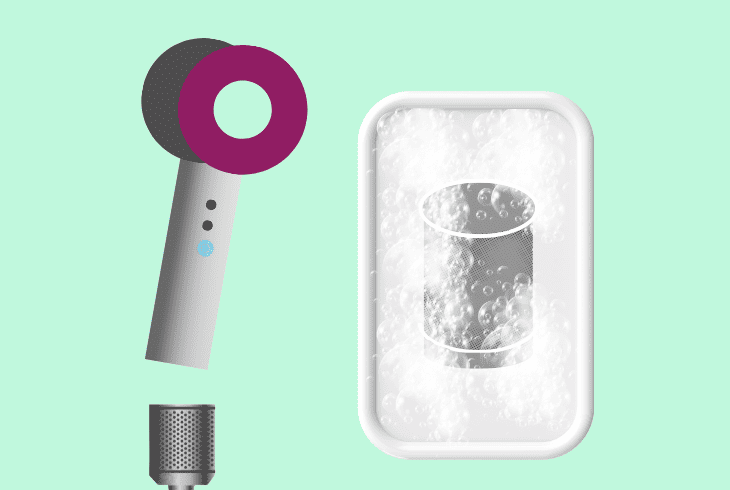
Dyson hair dryer won’t turn on, which can be due to the device’s air ducts or filters being congested.
This can cause the airflow to be severely restricted, making your Dyson either overheat rapidly or not start at all, as the motor can’t draw in fresh air.
Here is how to check and maintain your Dyson air filter:
- Turn off and unplug the Dyson dryer.
- Locate the filter at the bottom of the dryer.
- Remove the filter cover by rotating it and pulling it carefully to avoid any damage.
- Take out the filter and use a soft brush to clean the filter.
- Remove all the dust and debris that might be clogging it and hindering the airflow.
- Ensure the filter is completely dry before reassembling.
- Replace the filter and cover, ensuring everything is properly aligned and locked in.
- Try turning the hair dryer on again.
Note: If you have attachments to your Dyson, it's best to remove them during troubleshooting.
Solution #4: Check for Causes and Signs of Overheating
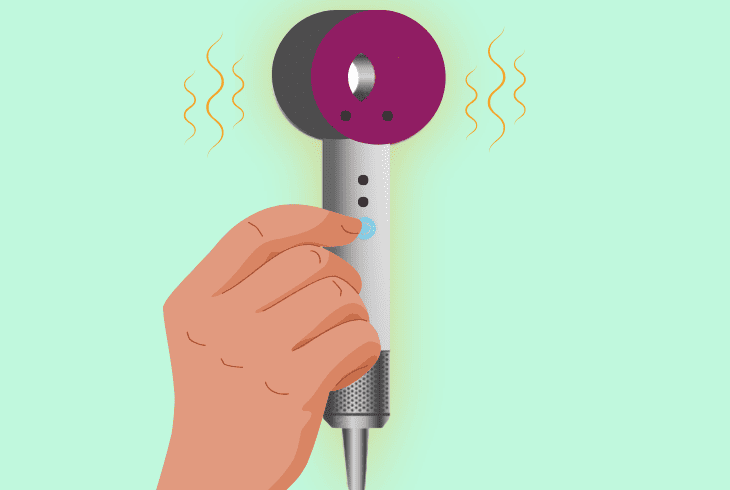
A very common cause of your Dyson not turning on or powering off rapidly after just a couple of seconds of use is overheating issues.
When this occurs, your Dyson has internal heat sensors that will lock out the device from turning on if it gets too hot.
Here are the best ways to check for and prevent overheating on your Dyson:
- Unplug the Dyson hair dryer if it was recently used.
- Give it a good 30 minutes to cool down.
- Ensure there’s no fluff or hair in the filter.
- Visually inspect the hair dryer for any signs of damage or wear from overheating.
- Reconnect the Dyson hair dryer to the power source.
- Observe if the cooling period has allowed the safety mechanisms to reset.
On all Dyson dryers, overheating can trigger safety mechanisms that shut down the device to prevent hardware damage.
Note: Having your Dyson run in the bathroom where the humidity and heat are high can cause it to malfunction.
Solution #5: Examine the Cord for Issues and Faults
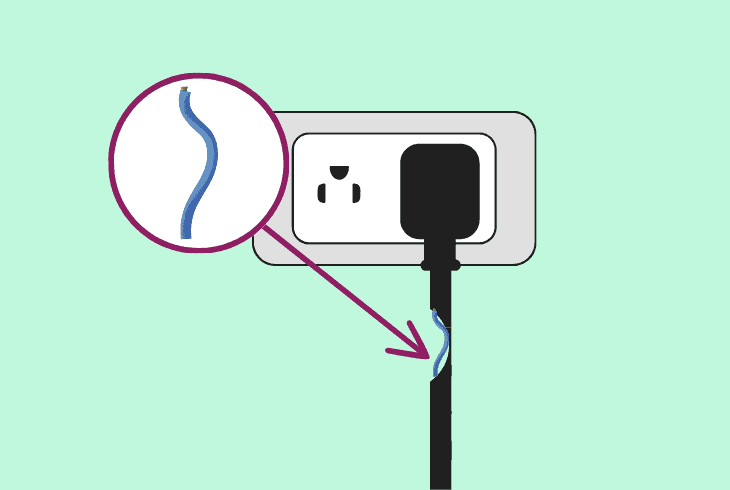
If your Dyson power cord is not in working order, your device won’t receive consistent or sufficient electricity.
Furthermore, a damaged power cord can pose a safety hazard to you and others using the hair dryer.
Here is how to examine your Dyson cables for signs of tearing or other issues:
- Disconnect your Dyson hair dryer, and don’t handle it if your hands are wet.
- Carefully inspect the entire length of the cord for any signs of wear.
- If you spot fraying, it could be interrupting the power supply to the dryer.
- Check the connection points for any looseness.
- Gently straighten any kinks or twists in the cord to prevent power disruptions.
- If damage is found, consider having the cord professionally replaced.
- Plug the hair dryer back in and try turning it on.
Note: It's best not to use your Dyson in a power strip with other devices, as hair dryers are incredibly demanding in terms of wattage used.
Solution #6: Trying a Different Power Outlet
If you have exhausted all of our methods above, yet your device still malfunctions, it’s likely the root cause is not within the device itself.
In this instance, you have to check for issues or problems with the power output.
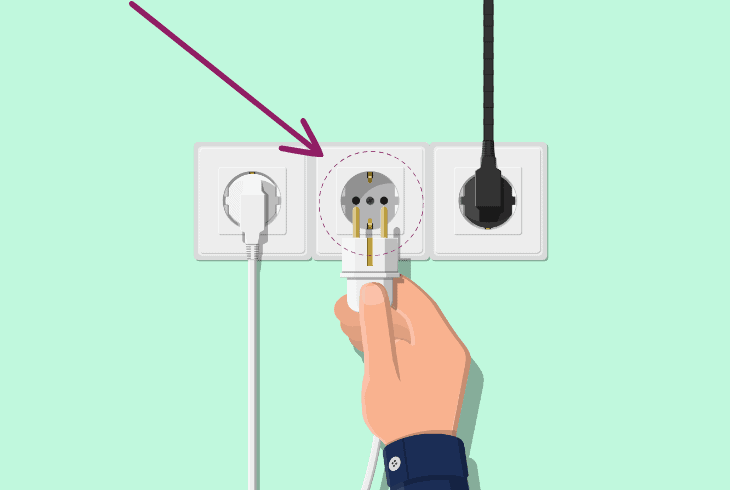
Here are some tips and ways to determine if your Dyson power outlet is faulty:
- Unplug the Dyson hair dryer from the current outlet.
- Find a different, working power outlet, preferably one that you know is functioning properly with other devices.
- Plug the hair dryer into the new outlet.
- Ensure there are no other high-power devices connected to the same circuit.
- Use a multimeter to check for power fluctuations that might affect your Dyson.
- Press the power button on the hair dryer.
If, after these troubleshooting steps, your device still won’t turn on, fixing it is likely outside your scope.
In this case, it’s best to contact Dyson support for more help.
Note: If your device doesn't work or power on after receiving it, check with your shipping company for replacement options.
Quick Recap
To fix your Dyson hair dryer not turning on, start by checking its power delivery for issues and then inspect the power cord.
Next, reset your Dyson device and clean its filters to stop it from overheating.

- SimpliSafe Doorbell Not Flashing White? (Quick Fix Guide) - April 30, 2024
- SimpliSafe Keypad Out Of Range? (Proven Ways to Fix) - April 30, 2024
- Kasa Plug Change WiFi – (5 Easy-to-Follow Steps!) - April 30, 2024