
Is your FireX smoke detector blinking red? To learn why, stay with us throughout this guide!
Sometimes, the FireX detectors enter a “desensitized” or “hushed” state and blink once every 10 seconds.
So, if the FireX smoke detector blinking is not accompanied by a unique chirping sound indicating a low battery or end-of-life, the light indication is nothing to be worried about.
To fix FireX’s blinking, inspect the battery connector, check the rechargeable battery, and hush the smoke detector. Next, check for any signs of smoke, replace the battery pack, and reset the circuit breaker.
Why is My FireX Smoke Detector Blinking Red Every 10 Seconds?
The most common cause of chirping, blinking, or flashing of any smoke detector is the danger of smoke produced by ongoing flame or battery issues.
The FireX detectors do not typically chirp upon issues with the battery, so if your detector is only blinking, there shouldn’t be an actual fire.
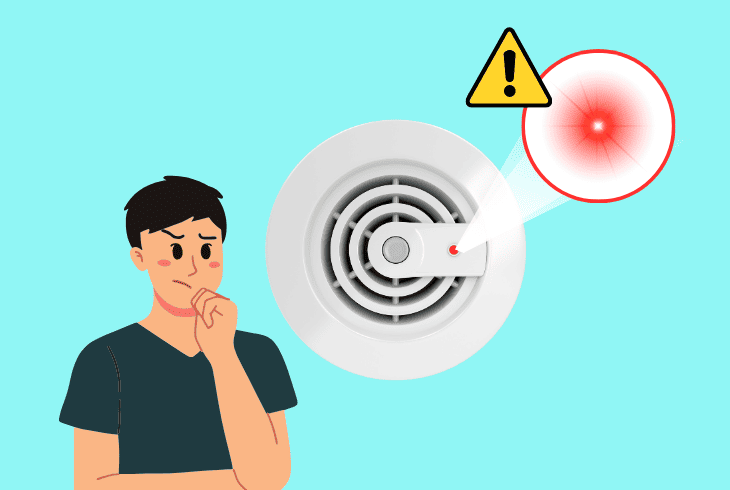
Although hard-wired, all FireX smoke detector types use a rechargeable battery that connects with the “C”, “GRND” and the supplying wires.
So, when installed correctly, the rechargeable battery should consistently receive power from your circuit breaker, and the detector will work.
What is FireX “Desensitize”?
Your FireX smoke detector has a similar function to “Hush” on other detectors that cease all visual and sound indicators produced by the device.
Desensitization is achieved by pressing the “TEST/HUSH” button on the front panel of the FireX smoke detector, muting all of its outputs.
While hushing, the LED lamp of the detector will illuminate for precisely 1.5 seconds and then start blinking every 8-10 seconds while hushed.
Since this is a standard detector condition, the blinking shouldn’t worry you if the intervals are well over 5 seconds and there is no beeping.
FireX Smoke Detector Blinking Red – Here’s How to Fix
If you want to eliminate the FireX blinking red light, try the solutions below!
1. Hush the FireX Smoke Detector
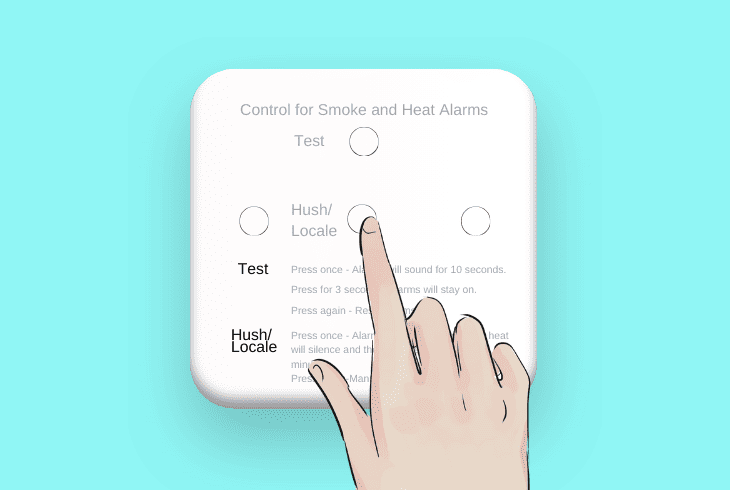
You can desensitize the FireX smoke detector by pressing the “TEST/HUSH” button on the rear cover of the alarm.
After pressing the FireX detector’s hush button, the smoke alarm’s LED light should illuminate for 1.5 seconds and after this, start blinking in short intervals of ∼8 seconds.
If the FireX detector does not have a hush button, another way to silence the unit is to access the Emergency button next to the battery bed.
All FireX detectors should have an emergency button that mutes all outputs produced by the detector, including blinking red light and chirping.
How Long Does “Desensitize” Last?
After hushing or desensitizing the smoke detector, there won’t be any outputs by the detector for approximately 10 minutes.
Sadly, it is impossible to hush FireX detectors for longer than that, as ionized detectors must be constantly active to detect even the slightest difference in CO2.
Reminder: Use “Hush” only if the detector goes off accidentally!
2. Reinsert FireX’s Rechargeable Battery
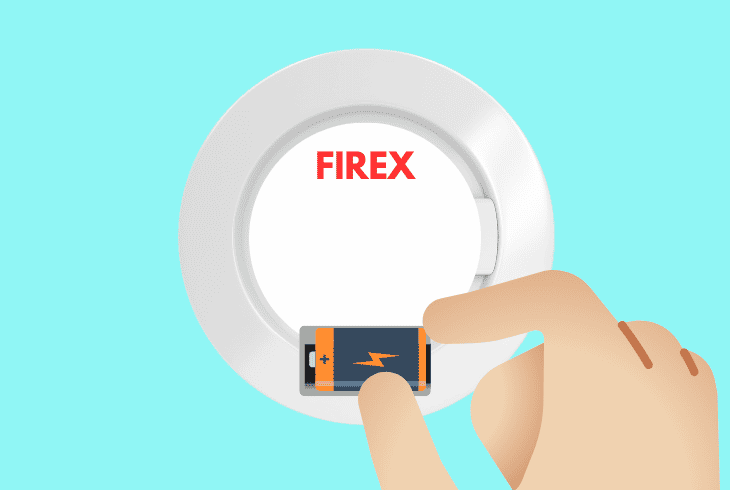
All FireX smoke detectors are hard-wired, so their internal operational battery can be recharged constantly via electrical wires.
Those wires connect with a terminal underneath the faceplate of the detector, and the terminal establishes contact with the polarities of the rechargeable battery.
Here’s how to remove the rechargeable battery and “power cycle” FireX:
- Remove the faceplate of the FireX smoke detector.
- Carefully unplug the terminal from the battery’s bed.
- Open the battery compartment to access the unit.
- Eject the battery from the detector’s compartment.
- Wait for 60 seconds and reposition the battery unit.
The ALKALINE 9V battery used by the smoke detector allows for excellent detection of fast flaming fires, as FireX is an ionized detector.
Upon reinserting the battery, the smoke detector should blink multiple times to indicate that the electrical supply from the battery unit is intact.
Reminder: Verify that the positioning of the battery is correct.
3. Inspect for Any Signs of Smoke
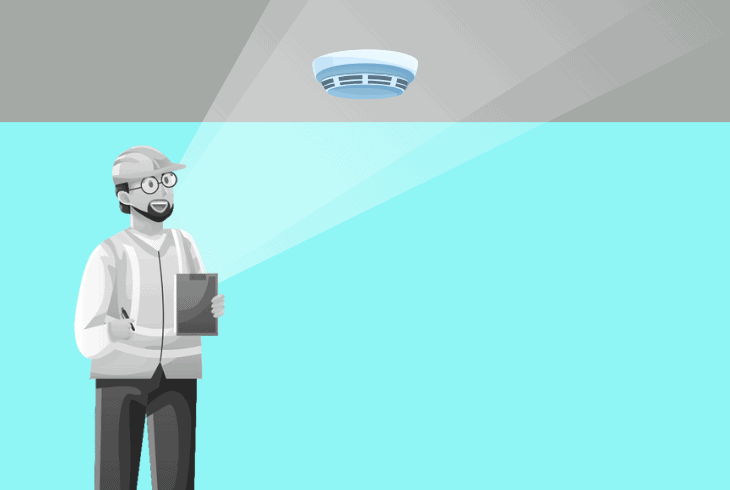
After all, checking for any signs of carbon dioxide in your home is always recommended if your detector is going off, blinking, or chirping.
You should never belittle the detector’s behavior, as its primary purpose is to evacuate you in a fire or smoke emergency, considering how critical the situation may be.
So, walk around your home and check the stove and the furnace to verify no excess carbon dioxide production.
Only then, press the “HUSH/TEST” button on the detector and hold it for 3 seconds to entirely mute all outputs from the FireX device.
When Does FireX Go Off During Fire?
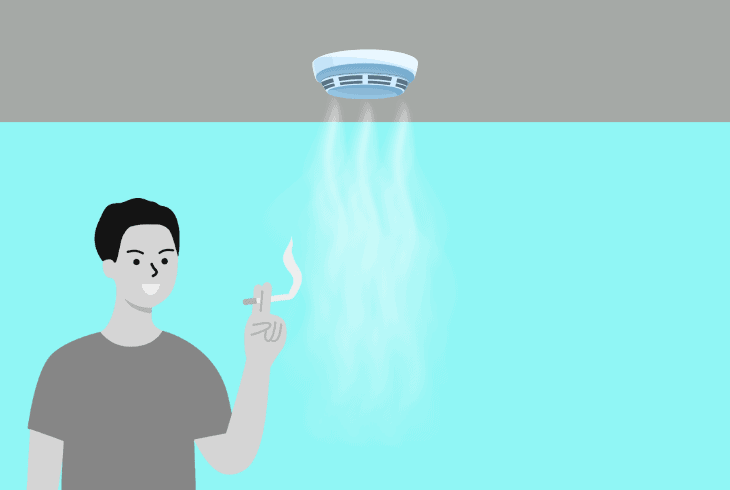
The advanced sensors of the FireX allow it to detect smoldering fires before they even happen so that you can take prevention actions quickly.
The smoky odor will be detected even when the odor is weak, even if caused by a cigarette, which makes your FireX detector a reliable alarm.
The detector produces loud and prolonged chirping if it has detected fire chemicals, which can sometimes be triggered by accident.
In a critical case, the red light will be accompanied by loud, ear-piercing chirping.
Note: The early stages of rising fire hazard, have a sharp and robust odor of CO2.
4. Check the FireX Battery Terminal
A defective battery connector will prevent the rechargeable battery of the FireX detector from charging and lead to a constant and uninterrupted blinking every 10 seconds.
To address this cause of the blinking of the detector, the next step is to inspect the battery terminal’s wires.
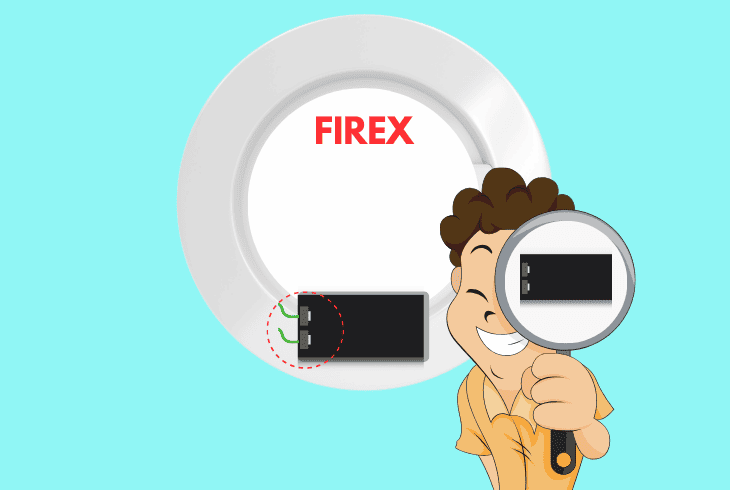
Here’s how to inspect the battery terminal of the detector:
- Access the detector and remove the faceplate.
- Pull the jack of the battery terminal downwards.
- Deactivate the terminal’s supply at the breaker.
- Next, pull out the wires from the A/C terminal.
- Inspect the copper conductor from the cover.
- Next, re-knot the conductor and push it back in.
If you’ve been using the FireX detector for a while now, there’s a strong possibility that the battery terminal wires copper conductor must be re-knotted.
How to Inspect FireX Mounting Bracket Wires?
Accessing the hard-wired detector installation requires removing the mounting bracket, which is not simple.
You must remove the holding screws of the mounting bracket, pull it downwards, and then you can pull the wires from the ceiling for a closer inspection.
Alert: If a technician has set up your detector, it’s best not to remove the mounting bracket.
5. Reset the Circuit Breaker
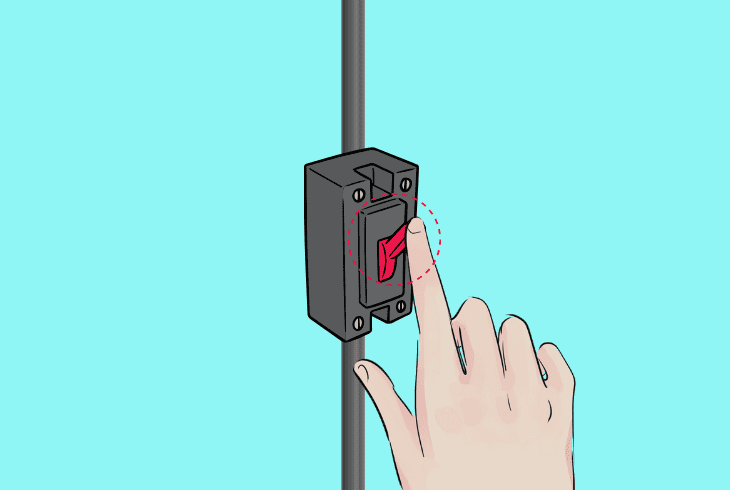
Sometimes, when the FireX smoke detector blinks red, performing a power reset is helpful.
The best method to address the insufficiency of the FireX’s external wiring is to reset the circuit breaker, delivering power to that part of your home.
However, if technicians have conducted the installation of the FireX smoke detector, the wires must have separate circuit breaker switches.
Here’s how to reset the circuit breaker of the FireX smoke detector:
- Locate the circuit breaker panel in your home.
- Open the rear panel to access all the switches.
- Next, find a switch that has “FireX” or “Detector.”
- Push the switch supplying the detector downwards.
- Wait 30 seconds while the power is deactivated.
- Push the switch upwards to restore the supply.
Remember that while the power supply of the detector is deactivated, the rechargeable battery unit of the FireX smoke detector will not be charging temporarily.
This means that if you leave your FireX detector unpowered for a continuous amount of time, the smoke detector will turn off.
Note: If there’s no individual switch, locate the switch, controlling the detector’s room!
6. Replace the Rechargeable Battery
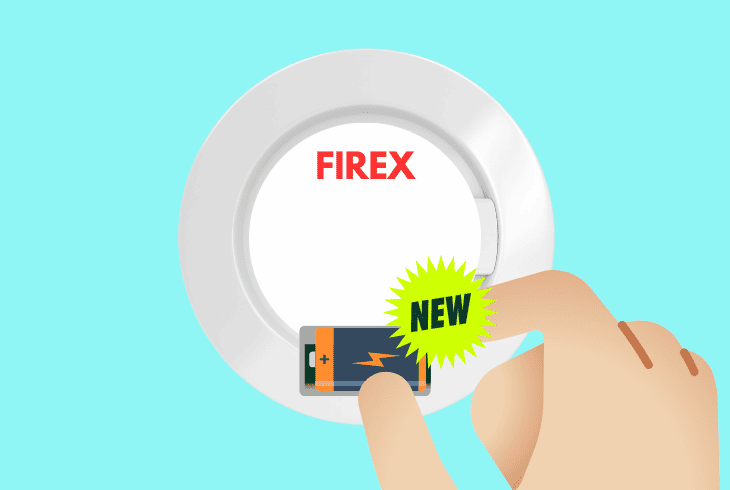
If none of our solutions so far solved the blinking red light on your FireX detector, there’s a strong possibility that the color code is caused by battery insufficiency.
If the unit can no longer be recharged effectively by the wires, the battery must be replaced with a new one.
Here’s how to replace the smoke detector’s internal battery in easy steps:
- Remove the faceplate of the FireX smoke detector.
- Expose the battery terminal and the battery bed.
- Unplug the terminal and entirely remove the plate.
- Access the battery compartment of the detector.
- After that, carefully remove the Alkaline 9V battery.
- Remove dust or debris accumulation in the socket.
- Insert a new 9V battery in the FireX’s compartment.
- Reinstall the smoke detector and test the appliance.
You shouldn’t face any issues with the installation if you’ve properly removed the battery terminal from the battery bed of the FireX.
For additional safety, make sure you’ve also deactivated the hard-wired power supply of the smoke detector before the uninstallation.
Quick Recap:
To fix when the FireX smoke detector blinking red, inspect the battery terminal, reconnect the battery, and clean the battery bed.
Also, reset the device’s circuit breaker, check the ground wiring, and replace the battery.
Follow us for more!

- SimpliSafe Doorbell Not Flashing White? (Quick Fix Guide) - April 30, 2024
- SimpliSafe Keypad Out Of Range? (Proven Ways to Fix) - April 30, 2024
- Kasa Plug Change WiFi – (5 Easy-to-Follow Steps!) - April 30, 2024