
Do I need to charge my Nest thermostat before installing? It’s one question we often get asked.
If you’re thinking of swapping your old thermostat for a Nest, it’s a legitimate concern.
Nest thermostats are smart devices that learn your habits, keeping you comfortable.
You don’t need to charge your Nest thermostat before installing it, as it gets power from your HVAC system. However, if you want to be extra careful and sure, charging them for a few hours won’t hurt.
It’s time to know more about this!
Do I Need to Charge My Nest Thermostat Before Installing – We Answer All
You need to know that Nest thermostats come with a battery, but it’s not really for the installation process.
You need to consider several factors before installing your new thermostat, and we’ll get into it more below.
Understanding Your Nest Thermostat Power

Nest thermostats are versatile devices that should work with different heating and cooling systems.
It’s designed to work with most low-voltage 24 V systems, which are the standard for what most have in their homes.
These systems can provide power to your thermostat via a C-wire, which means that once you connect it, you’ll be able to set it up without worrying about its battery’s charge level.
Here’s what you need to know about your thermostat’s power needs:
- Nest thermostats use low voltage 24 V AC power to work.
- They come with a built-in rechargeable battery for when the power is out.
- Your thermostat has two power sources: the HVAC C-wire or the Power Connector.
Note: It doesn’t matter what Nest thermostat you have, as these are their basic power requirements as long as they are compatible with your system.
Pre-Installation Checklist
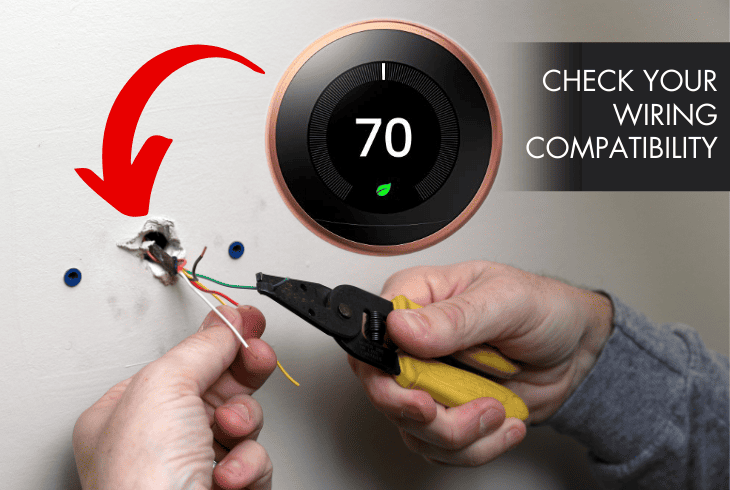
Before we go ahead and install your Nest thermostat, there are a few things you need to take into account.
Since we will deal with electrical components, we want to ensure your safety with this checklist.
You’ll also need a few tools and materials, and having them available before starting work will make your life much easier.
Here are the steps you need to follow:
- Check your wiring compatibility to make sure your thermostat works with your system.
- Turn off the power to your HVAC system at the breaker box to prevent accidents.
You’ll also need to gather these tools:
- A Philips head and a flat-head screwdriver
- A 3/16-inch drill bit
- A level or use the one that comes with your thermostat
- A pencil to mark the position of the screws of the base
- Wire strippers if you need to trim or strip the wires
- Needle-nose pliers to bend or straighten wires
Pro Tip: You must follow these steps before removing your old thermostat to prevent electric shock or damage to your HVAC system.
Getting Power from the HVAC
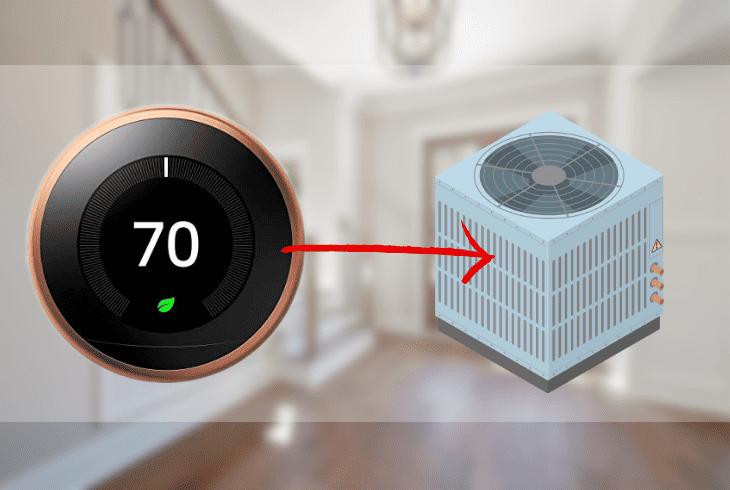
Do I need to charge my new Nest thermostat before installing? Most wired thermostats, like the Nest, are powered by your HVAC system.
All you need to do is find the C-wire and connect it to your thermostat, and it will have enough power for installation and setup.
You can still use your Nest thermostat if your HVAC system lacks a C-wire.
However, you’ll need to get the Nest Power Connector as an alternative to power it.
Here are the ways to set up your thermostat:
Using a C-wire
- Remove your old thermostat from the wall.
- Level the Nest thermostat base on the wall.
- Mark the locations of the mounting holes.
- Drill at the marked locations and secure the base to the wall using the screws.
- Connect the wires to the thermostat base.
- Match the wires corresponding to the terminals on the base.
- Attach the Nest thermostat display to the base.
- Turn on the power to your HVAC system.
Using the Nest Power Connector
- Locate your furnace and look for the control board.
- Find the terminal labeled C or Common.
- Turn on the power to the furnace at the breaker fuse box.
- Strip ¼-inch of insulation from the ends of the wires from the Power Connector.
- Connect the bare end of one wire to the C or Common terminal.
- Connect the bare end of the other wire to any unused terminal.
- Turn on the power to the furnace.
- Plug the Nest Power Connector into an outlet.
Note: If your home has a zoned system with multiple thermostats, you must use a Power Connector for each zone controller to power your thermostats.
Initial Charge Requirements
One of the most common questions people have about their new Nest thermostat is if they need an initial charge before installing it.
You don’t need to do that, especially if your HVAC system has a C-wire. Let’s explore some scenarios:
Scenario #1:
- You have the Nest Learning Thermostat (3rd generation) or the Nest Thermostat E.
- Your HVAC system uses a C-wire.
If this is your setup, you can install your thermostat without charging it first. The C-wire will provide enough power to your thermostat.
- If your HVAC system does not have a C-wire
- You’ll need to use the Nest Power Connector to provide additional power.
Scenario #2:
- If you have a Nest Thermostat 2020
- You can install it without charging whether your HVAC has a C-wire.
The Nest Thermostat 2020 has a Quick Start feature that allows it to turn on and guide you through the setup process even when the battery is low.
However, you’ll still need to ensure it’s compatible with your HVAC and the wires are in good condition.
Pre-Charged from the Factory
There’s no need to charge your Nest thermostat before you install it because it comes pre-charged from the factory.
As long as you get them brand new, they have enough power out of the box to handle the setup process.
Since battery levels can decrease depending on how long it’s been stored or displayed.
Generally, the newer the device, the higher the charge level. To ensure that your thermostat has enough charge, it helps to check it still.
Here’s how:
For 1st Gen Nest Thermostat:
- Press the Menu button.
- Go to Settings.
- Select Technical Info.
- Choose the Power option.
- Look for the Battery.
- Make sure it says 3.8V or higher.
For 2nd, 3rd Gen, and E models:
- Press the ring and turn it to the Settings menu.
- Choose Technical Info.
- Go to Power.
- Find the Battery.
- Check if it’s 3.8V or higher.
Note: If you find out that the battery reading is less than 3.8V, you will need to charge it.
Charging Your Nest Thermostat
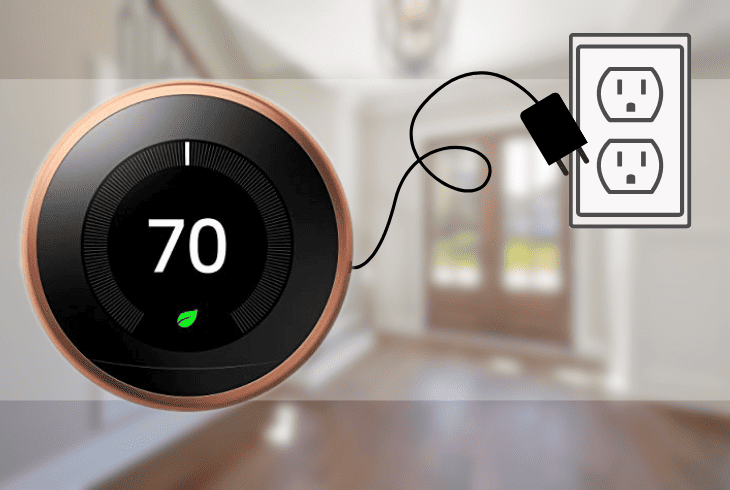
If you need to charge your Nest thermostat prior to installing, there are two ways. You can use the USB method or via the Nest Power Connector.
Here are the steps to charge your Nest thermostat to avoid any issues:
Using a USB cable:
- Remove the display from the base by pulling it.
- Locate the micro-USB port on the back of the thermostat.
- Plug a micro-USB cable into the port on your thermostat.
- Plug the other end into a USB power adapter or computer.
- You’ll know your thermostat is charging when the light comes on.
Using a Nest Power Connector:
- Find the Nest Power Connector in your HVAC unit.
- Connect the Power Connector to the C-wire terminal on your HVAC’s control board.
- Plug the Nest Power Connector into an outlet.
- Check if your Nest thermostat is charging.
Note: Your Nest thermostat will take around 2 hours to charge fully.
Benefits of Using a Charged Thermostat
Even though you don’t necessarily need to charge your thermostat before installing it, ensuring it’s charged up won’t take too much time.
Even if you have a professional coming over to install it, you can easily plug it in for a couple of hours the day before and prepare it for the setup process.
Here are the benefits of charging your Nest thermostat before installation:
- Enjoy the full functionality of your thermostat after installation
- Avoid losing your settings and data in case of a power outage or low-voltage
- Extend the battery life of your thermostat
- Protect your HVAC system from potential damage caused by insufficient power supply.
Direct Installation from the Box
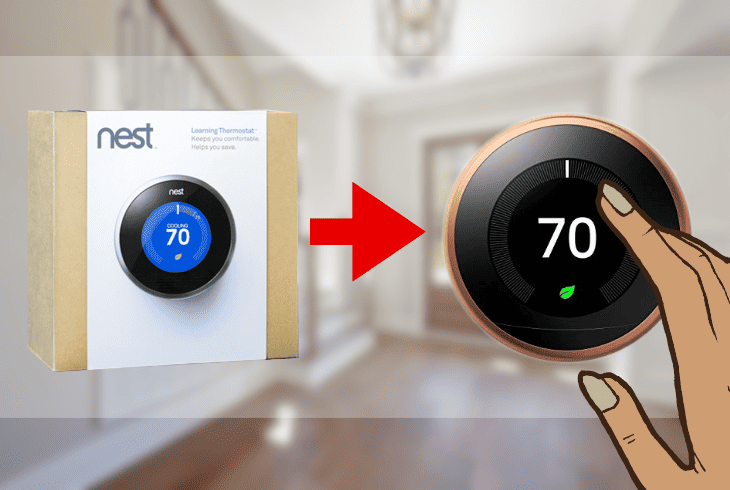
If you’re lucky enough to have a Nest thermostat that’s compatible with your HVAC system wiring and has enough battery charge, you’ll be able to install it instantly from the box.
It will save you a lot of time and hassle and allow you to enjoy your thermostat immediately.
However, don’t disregard the pre-installation checklist and follow the steps carefully so you’ll be able to get your thermostat set up without running into problems.
If you do, it’s best to contact Nest Support or a qualified technician to help you replace your thermostat.
Conclusion
Do I need to charge my Nest thermostat before installing it? As long as it’s compatible with your HVAC system, you don’t need to charge it beforehand.
However, if you check the battery levels and realize it’s not enough, you can plug it in.
For more information and guides on installing your Nest thermostat, visit our blog!

- SimpliSafe Doorbell Not Flashing White? (Quick Fix Guide) - April 30, 2024
- SimpliSafe Keypad Out Of Range? (Proven Ways to Fix) - April 30, 2024
- Kasa Plug Change WiFi – (5 Easy-to-Follow Steps!) - April 30, 2024