
If your Philips Sonicare keeps buzzing on charger, we’ve got your back! You plug in your toothbrush, and it suddenly starts buzzing and won’t stop.
It indicates an issue with the toothbrush or the charging mechanism. If not addressed, it will ruin a peaceful overnight charge.
The best way to fix a buzzing Sonicare toothbrush on a charge is to replace the brush head with a new one. If this doesn’t work, recalibrate the battery to ensure it’s getting enough power.
Fantastic, let’s get into the details.
Philips Sonicare Keeps Buzzing on Charger – Approved Fixes
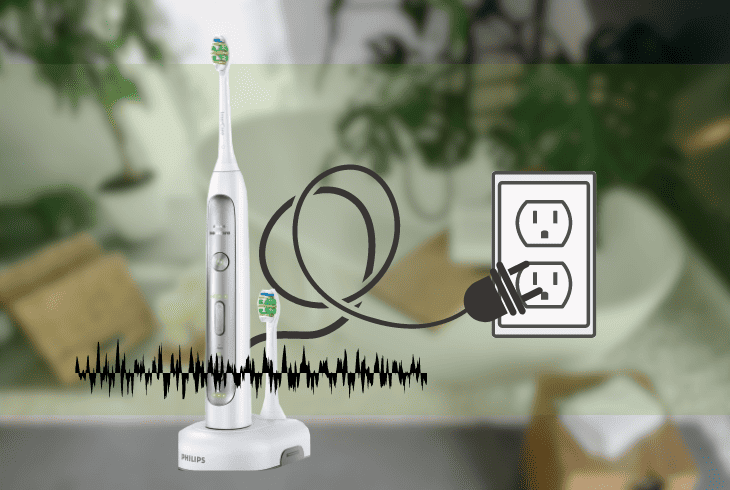
A few things contribute to your Philips Sonicare toothbrush buzzing issue.
Figuring out where the error comes from helps you pick the right fix.
Here’s the lowdown:
- Dirty or corroded charging base or contacts
- A low or faulty battery
- A malfunctioning or incompatible charger
- A defective or incompatible brush head
In this article, we’ll dive into what’s causing the buzzing issue and how to tackle it head-on.
Before we jump into the fixes, quickly run through these troubleshooting steps.
Before You Start
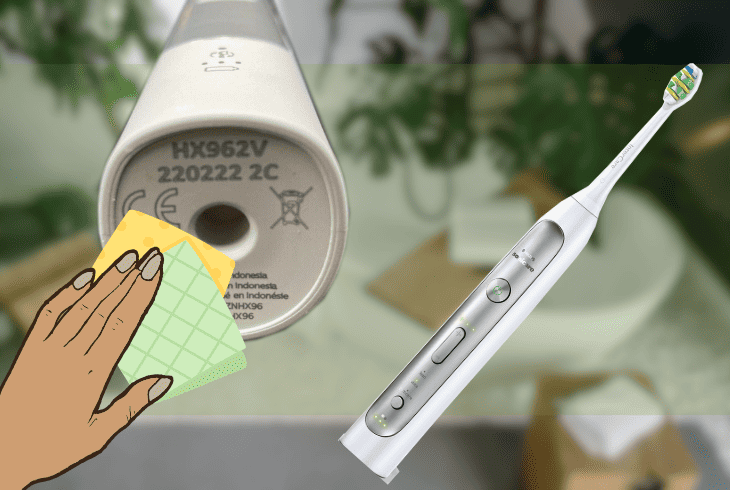
These four basic troubleshooting steps will help us pinpoint any common issues and set the stage for the actual solutions.
Give these a shot first to filter out minor issues.
If these aren’t working, it’s time to explore the solutions below.
1. Replace the Brush Head on Your Sonicare Toothbrush
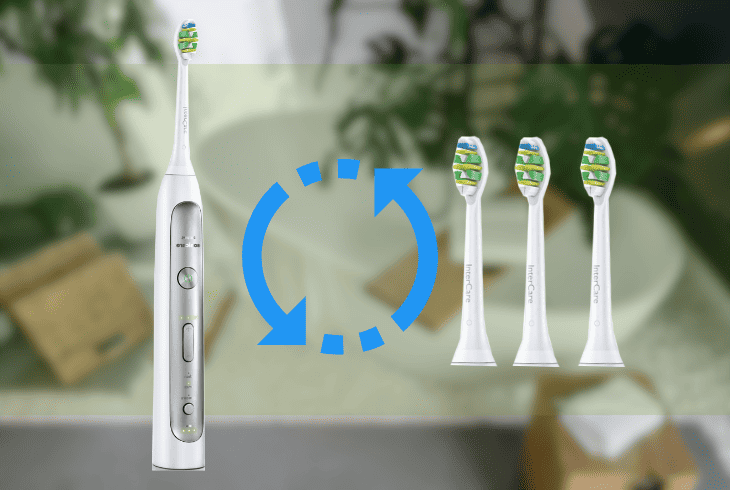
The brush head is the most vulnerable part of your toothbrush.
After a while, it will wear out, break, or get damaged, interfering with the charging process and causing the buzzing issue.
A new brush will ensure a solid connection and a better brushing experience.
To replace the brush head, follow these steps:
- Pull off the old brush head from the handle.
- Align the new brush head with the handle.
- Push it on until it clicks into place.
- Place the toothbrush on the charger.
- Check if the buzzing noise is gone.
Note: Replace the brush head every three months or sooner if the bristles show signs of wear. Set a reminder to prevent issues and ensure consistent oral care.
2. Remove Dirt and Corrosion from the Charging Contacts

The charging contacts are the metal parts that connect your toothbrush to the charger.
Over time, they get dirty or corroded, especially if exposed to water, moisture, or other substances.
A bit of cleaning will spruce them up, fix the connection, and end that annoying buzzing noise.
Things you need:
- Cotton swab
- Rubbing alcohol or vinegar
- Dry cloth or paper towel
To remove dirt and corrosion from the charging contacts, follow these steps:
- Unplug the charger from the power outlet.
- Remove the toothbrush from the charger.
- Wipe the metal contacts with a cotton swab soaked in alcohol or vinegar solution.
- Use a dry cloth or paper towel to remove excess liquid or residue.
- Plug the charger back into the power outlet and place the toothbrush on the charger.
- Check if the buzzing noise is gone.
Note: After cleaning, observe any changes in the toothbrush’s performance. If the buzzing persists, continue exploring other solutions.
3. Recalibrate the Battery
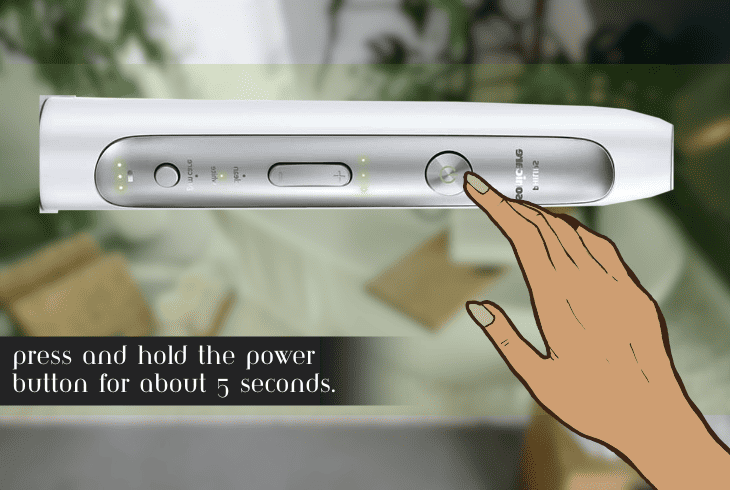
If your Philips Sonicare toothbrush is still buzzing on the charger, chances are the battery is either running low or acting up.
The battery’s job is to store and deliver power to the motor and brush head.
If it’s not charged or used right, a recalibration is your go-to move to hush that loud noise.
To do this, follow these steps:
- Remove the toothbrush from the charger and turn it off.
- Press and hold the power button for about 5 seconds until it flashes and turns off.
- Place the toothbrush on the charger and leave it for at least 24 hours to charge it fully.
- Turn on your toothbrush and run it continuously until it turns off automatically.
- Let it sit for 24 hours without charging, then charge it fully again.
Note: After recalibration, observe any changes in the toothbrush’s performance. If the issue persists, proceed to the next solution.
4. Open the Toothbrush and Fully Dry Out the Interior
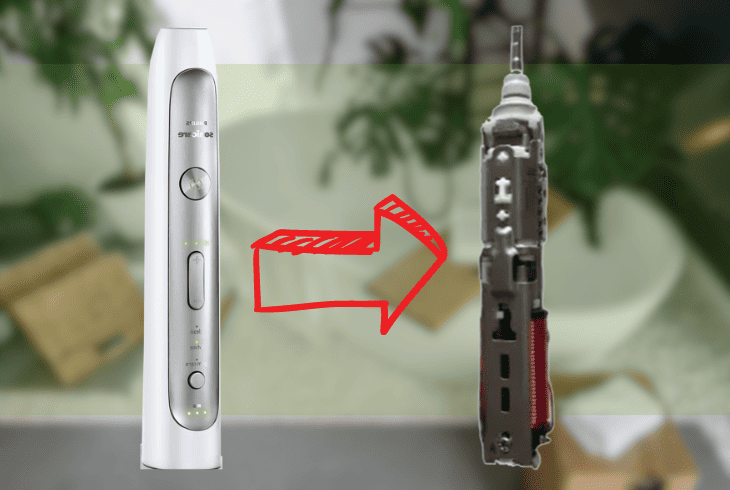
Another solution for the Philips Sonicare buzzing on charger problem is to open the toothbrush and let the inside dry out completely.
When the toothbrush is not sealed properly or exposed to water, its internal components absorb moisture.
This causes the toothbrush to malfunction and buzz.
Things you need:
- Small screwdriver or knife
- Pair of tweezers or pliers
- Hair dryer or fan
To open the toothbrush and fully dry out the interior, follow these steps:
- Remove the toothbrush from the charger and turn it off.
- Use a small screwdriver or knife to pry open the bottom cap of the handle.
- Use a pair of tweezers or pliers to pull out the battery and circuit board.
- Blow dry the internal components with a hair dryer or fan.
- Reassemble the toothbrush and snap the bottom cap back on.
- Put the toothbrush on the charger and check if the buzzing is gone.
Tip: Take steps to prevent future water, steam, and humidity exposure. Ensure your toothbrush is sealed properly to protect its internal parts.
5. Replace the Battery of Your Toothbrush
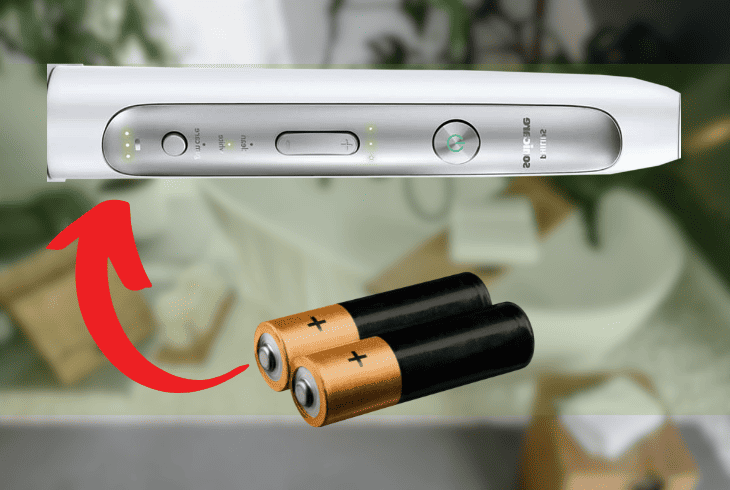
If you still have a buzzing Sonicare toothbrush on a charger, replace the battery of your toothbrush.
The battery is the part that stores and delivers power to the motor and brush head.
If not charged or used properly, this results in a buzzing noise or a flashing light on the toothbrush.
Things you need:
- Small screwdriver or knife
- Pair of tweezers or pliers
- Soldering iron or wire cutter
- Wire stripper
To replace the battery, follow these steps:
- Remove the toothbrush from the charger and turn it off.
- Use a small screwdriver or knife to pry open the bottom cap of the handle.
- Use a pair of tweezers or pliers to pull out the battery.
- Disconnect the old battery from the wires with a soldering iron or wire cutter.
- Connect the new battery to the wires with a soldering iron or wire stripper.
- Reassemble the toothbrush and snap the bottom cap back on.
- Put the toothbrush on the charger and leave it for at least 24 hours to recharge fully.
- Remove it from the charger and turn it on.
- Check if the buzzing is gone.
Note: Match the polarity and voltage of the battery. The new battery should be a rechargeable lithium-ion battery with a capacity of 3.7V and 800mAh.
6. Reset Your Sonicare Toothbrush
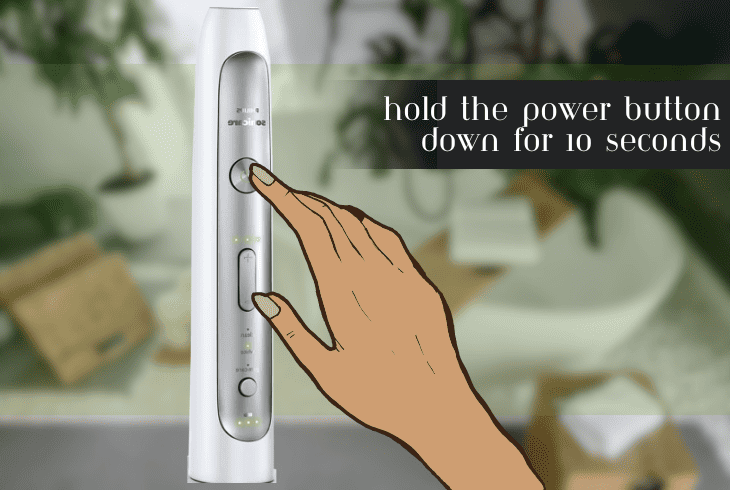
If your Sonicare toothbrush keeps buzzing, and you’ve tried everything on this list, resetting it is one solution you must consider seriously.
This will restore your toothbrush to its factory settings, reverting all your configurations.
It’s not just your configurations that are reset, though, as the process will also clear errors and glitches, causing your toothbrush to buzz while charging.
Resetting your device will fix any software or firmware issues causing the problem.
To reset your Sonicare toothbrush to factory settings, follow these steps:
- Remove the toothbrush from the charger.
- Press the power button to turn off your toothbrush.
- Once it’s off, hold the power button down for 10 seconds.
- Wait until your toothbrush flashes and turns off completely.
- Release the power button and wait for a few seconds.
- Turn on the toothbrush and check if the buzzing noise is gone.
Note: If none of these steps resolve your issue, check if your toothbrush is still under warranty or not to make it easier for you to get it repaired or replaced.
After discovering whether your toothbrush is still under warranty, we recommend contacting Philips Support for additional help.
Quick Recap
If your Philips Sonicare keeps buzzing on a charger, it signals a glitch in the toothbrush or the charging process.
Sort this out by replacing the brush head with a new one for a clean slate. If this doesn’t work, reset your toothbrush.
Check our blog to explore troubleshooting guides on various Crave error codes!
